
Meshlin.
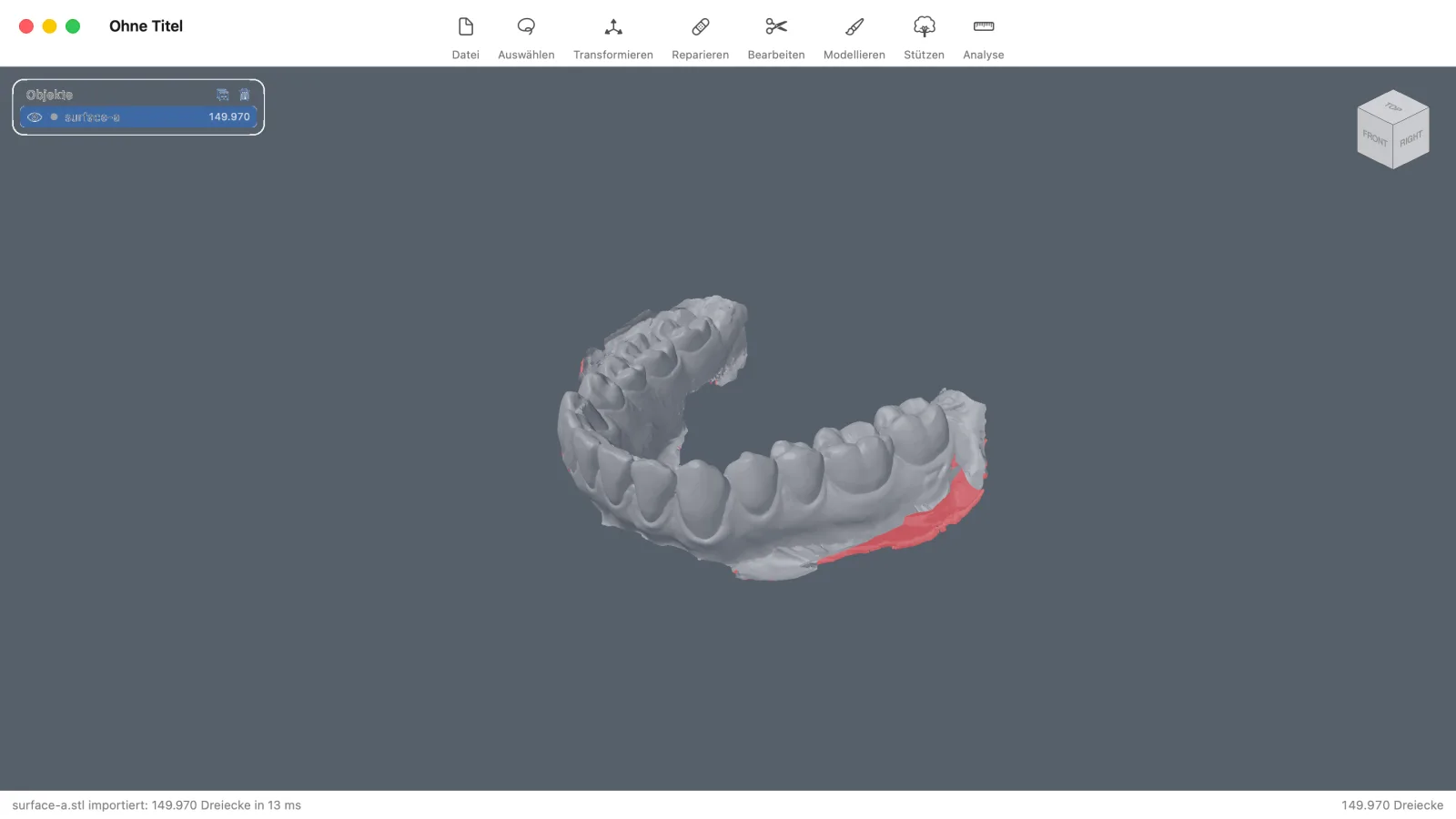
A native mesh editor for Mac and Windows. Open a scan or a model, repair it, select and edit the surface, cut, combine, sculpt and export it for printing. Written in Swift, with Metal on Apple silicon and Direct3D on Windows.
Meshlin is free. The Mac app needs a Mac with Apple silicon and macOS 15 or later. The Windows app needs a 64-bit PC with Windows 10 or 11. Its installer is not signed yet, so SmartScreen asks once: choose “More info”, then “Run anyway”. The browser version opens, inspects, repairs, cuts and combines meshes. It runs on your computer; your files are never uploaded.
Why
Meshmixer was the tool many of us used to tidy up scans before printing: close a hole, trim a base, smooth a gum line, merge two bodies. Its development stopped at version 3.5. Meshlin covers that daily work as a native Mac app, with the same keyboard habits where it makes sense.
It is built for dental scans with hundreds of thousands of triangles, but it does not care what the mesh shows.
What it does
- Opens STL, OBJ, PLY and 3MF, keeps vertex colours, and exports to the same formats. Documents save as packages with unlimited undo.
- Inspector: finds holes, open borders, non-manifold edges, flipped normals and loose islands, then repairs them one by one or all at once. Holes close flat, minimal or smooth.
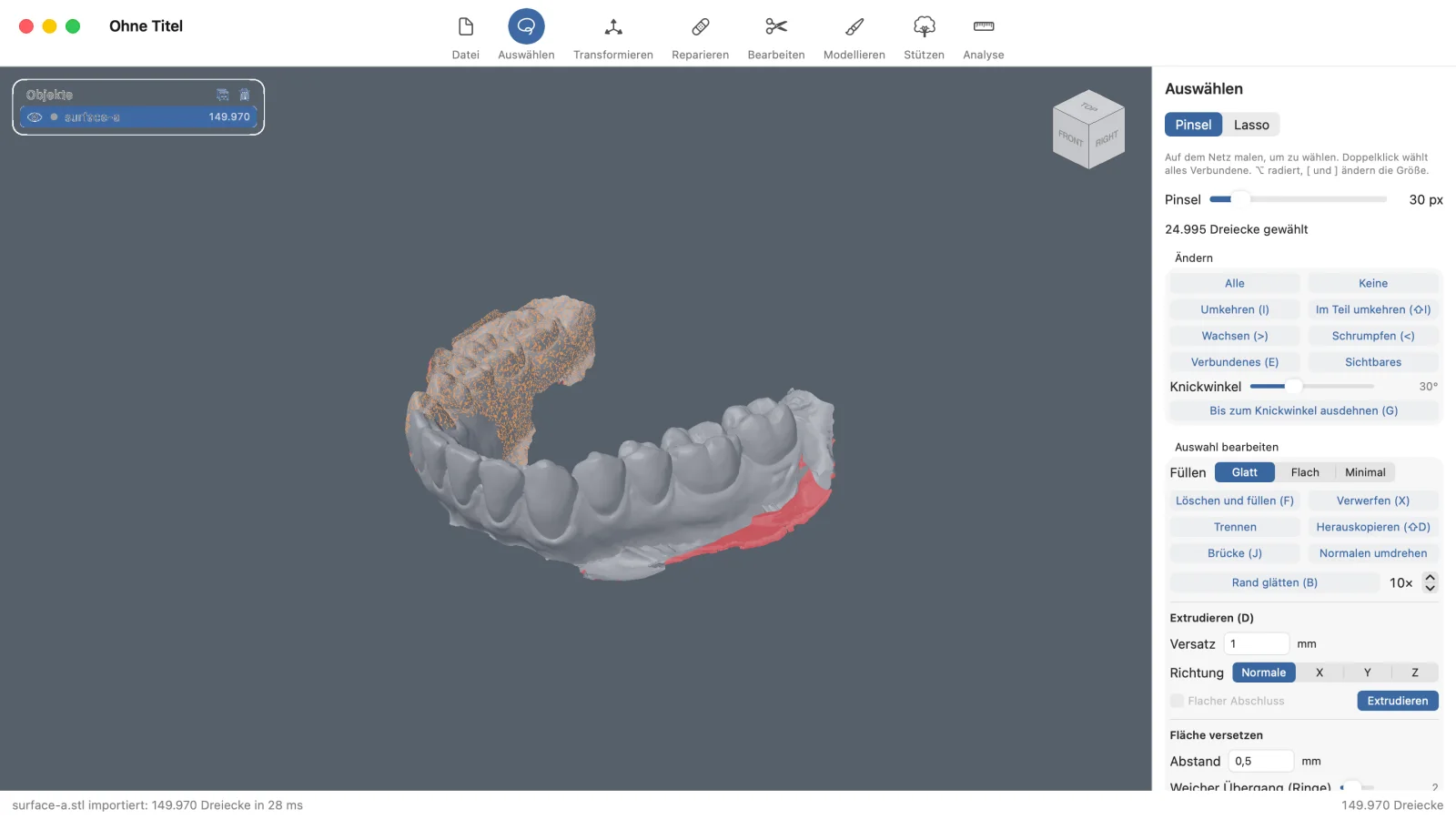
- Select with brush or lasso, by connected part, by crease angle or by what is visible. Grow, shrink, invert.
- Edit the selection: erase and fill, discard, separate, extract, extrude, offset, bridge two borders, flip normals, smooth the boundary. Smooth, reduce and remesh only where you selected.
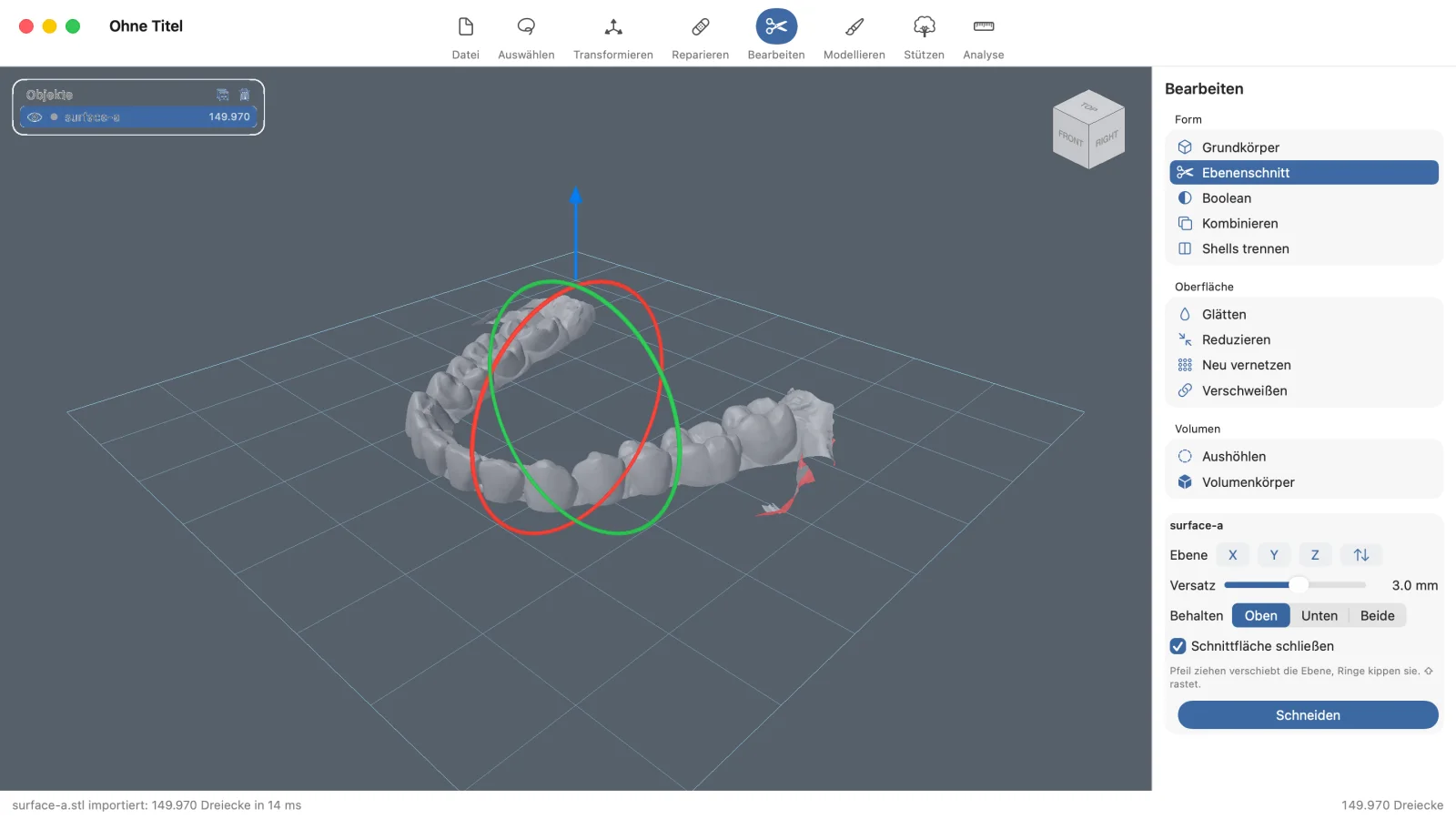
- Plane cut with a closed cap, separate shells, combine, weld, boolean union, difference and intersection.
- Hollow with drainage holes, make solid, wall thickness as a heat map.
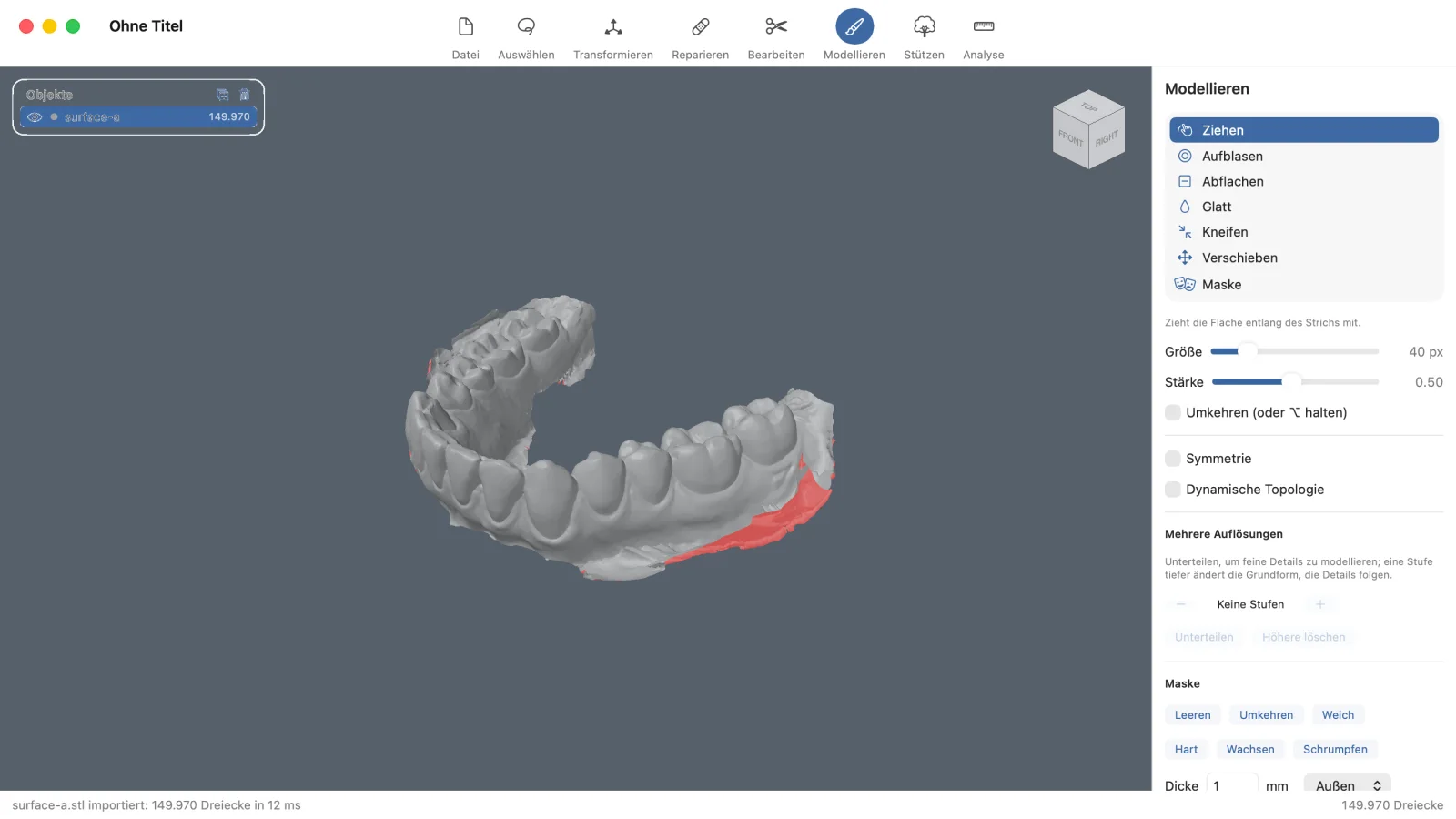
- Sculpt with six brushes, a mask and a symmetry plane, with dynamic topology and multiresolution levels.
- Measure distances and angles, check stability on the build plate, show overhangs, generate tree supports.
- Copy and paste objects or selected triangles, also between documents. English and German.
In the app
Help
Questions about Meshlin? Ask the chat at the bottom right. It knows the whole manual, every tool and every shortcut, and answers in your language.
The manual explains every tool step by step, from installing to supports and keyboard shortcuts.
For Macs with Apple silicon and macOS 15 or later, and for 64-bit Windows 10 or 11. The screenshots show anonymised demo scans. Meshmixer is a trademark of Autodesk and not related to this project.