
ProsthoBro.
A learning app for dental students. Work through prosthodontic teaching cases on the iPad, an Android tablet or a Windows laptop, paint model scans with a pen and place implants.

Free on every platform. iPad and Mac with Apple silicon through the App Store. Android tablets from Android 7: open the downloaded APK and allow your browser to install apps when Android asks. Windows 10 and 11: run the installer; if SmartScreen says “Windows protected your PC”, choose “More info”, then “Run anyway”. Surface devices and laptops with a Snapdragon processor get the ARM version. To update, install the new version over the old one; your cases stay. No version needs an internet connection.
What it does
- Four fictional teaching cases with findings, photos, a panoramic X-ray and 3D model scans.
- Paint on the model scan with Apple Pencil: clasps and framework, denture base, denture teeth.
- Draw lines with their length in millimetres, set implants and read the divergence in degrees.
- Mark the prognosis of every tooth and the implants on the panoramic X-ray.
- Create your own practice cases or import them as a file.
- Share the case report as PDF, PowerPoint/Keynote, HTML slides or case file, via AirDrop to your study group.
- No account, no internet connection. All data stays on the device.
In the app
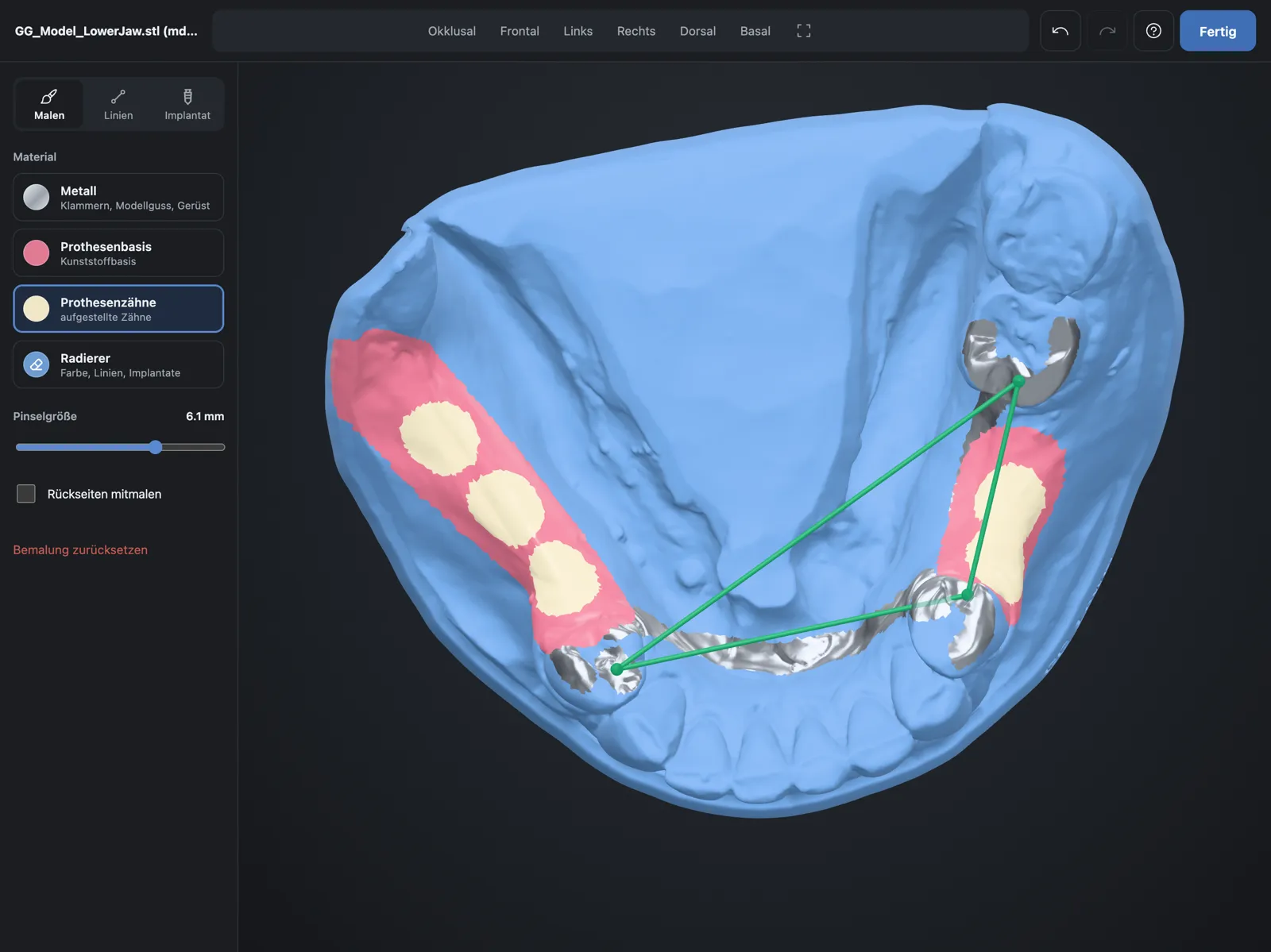
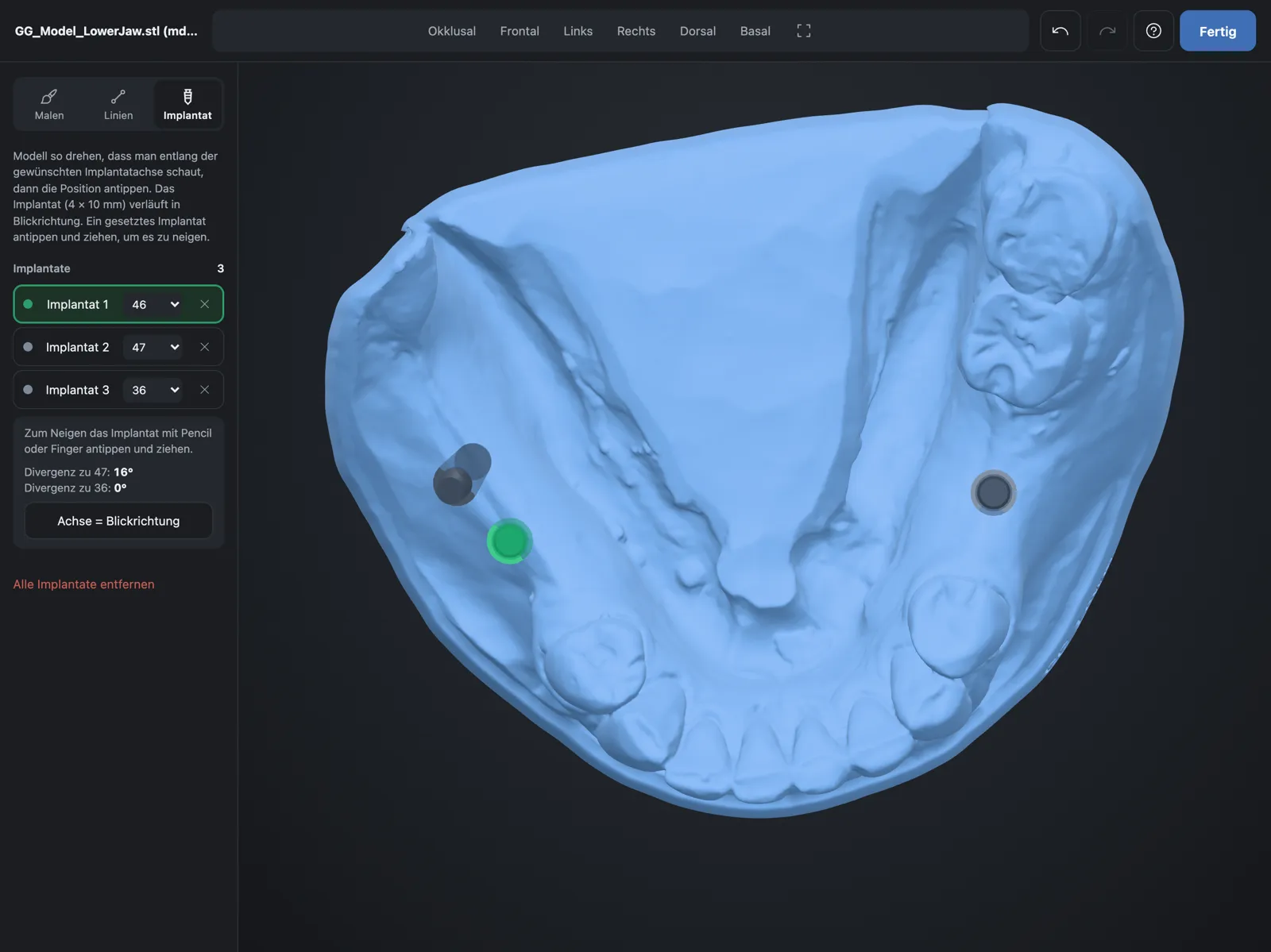
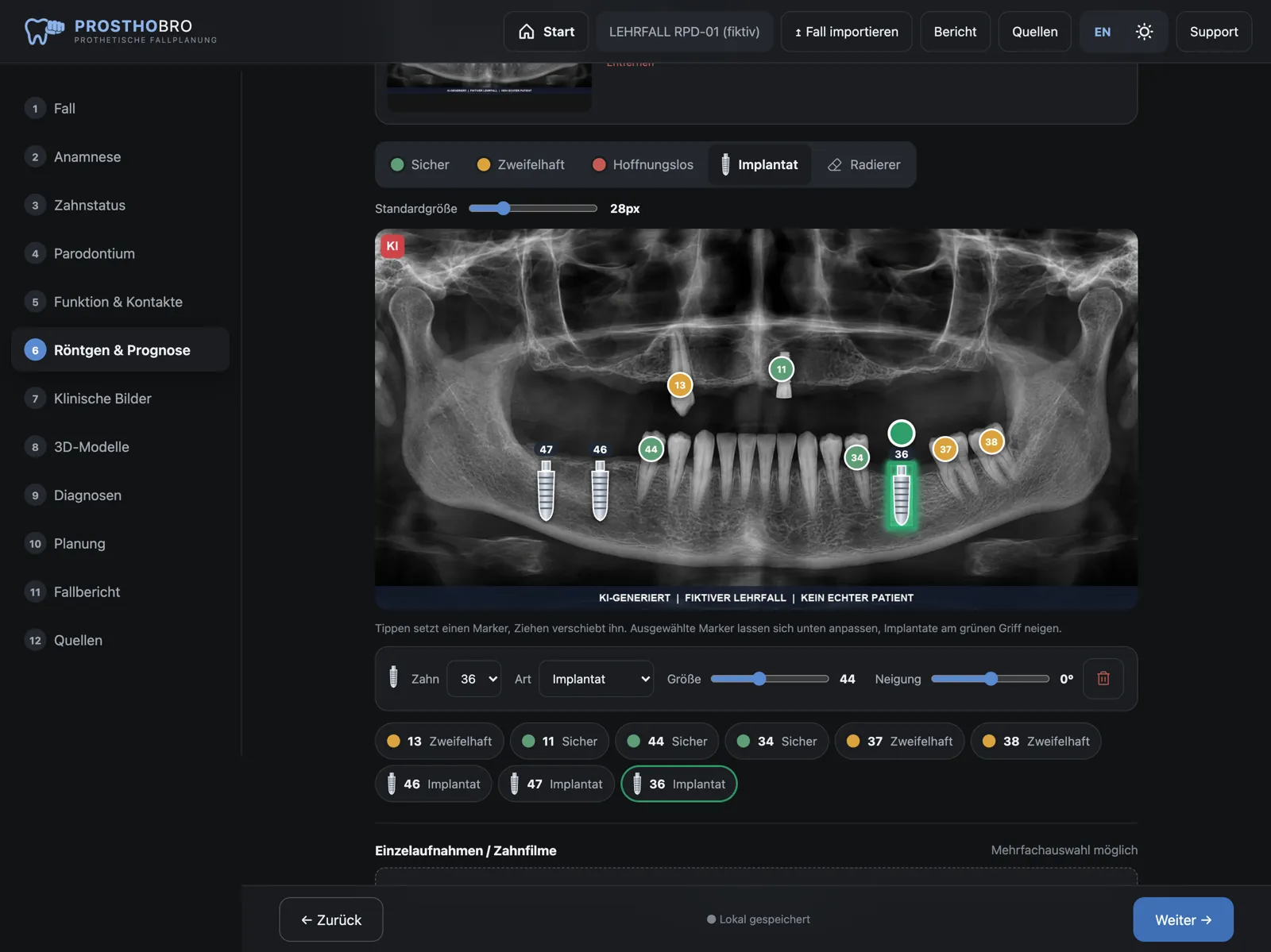
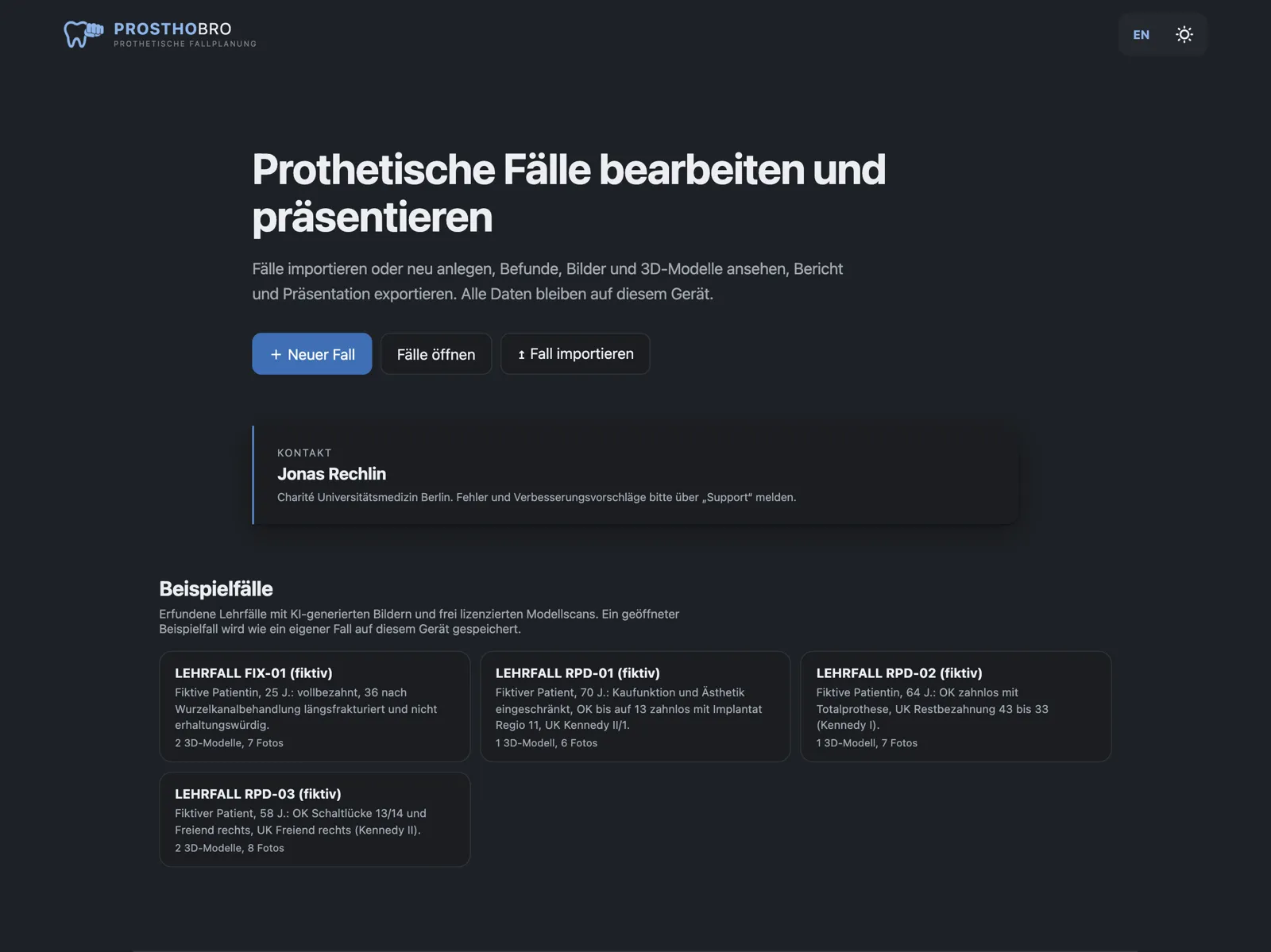
Made for the iPad with Apple Pencil, also runs on Macs with Apple silicon. All cases are fictional. Support, FAQ and privacy policy: prosthobro.pages.dev.